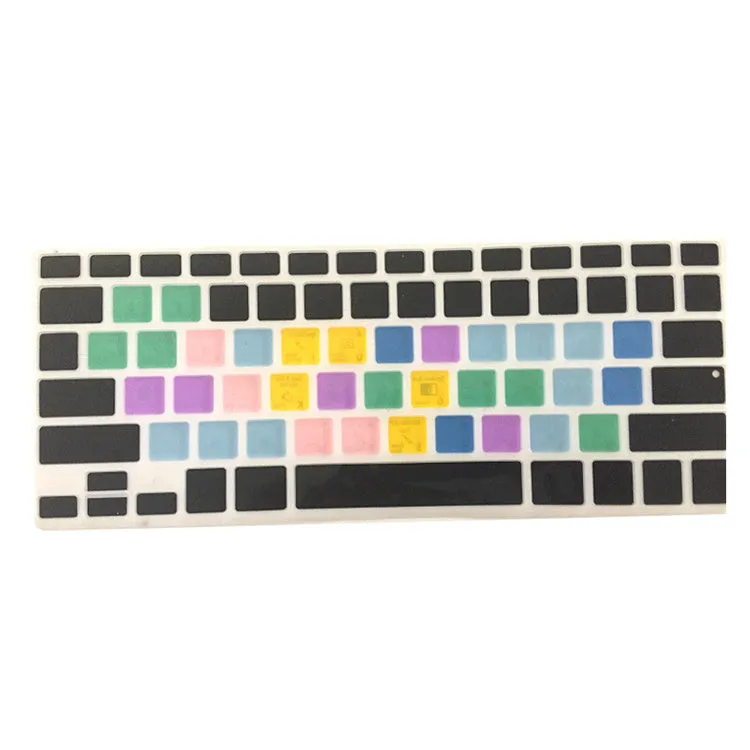
Adobe Illustrator Keyboard Shortcut Design Functional Silicone Cover For Macbook Pro Air 13 15 17 Protector Sticker


Adobe Illustrator Keyboard Shortcut Design Functional Silicone Cover For Macbook Pro Air 13 15 17 Protector Sticker
Adobe Illustrator Keyboard Shortcut Silicone Cover for MacBook Pro Air 13 15 17
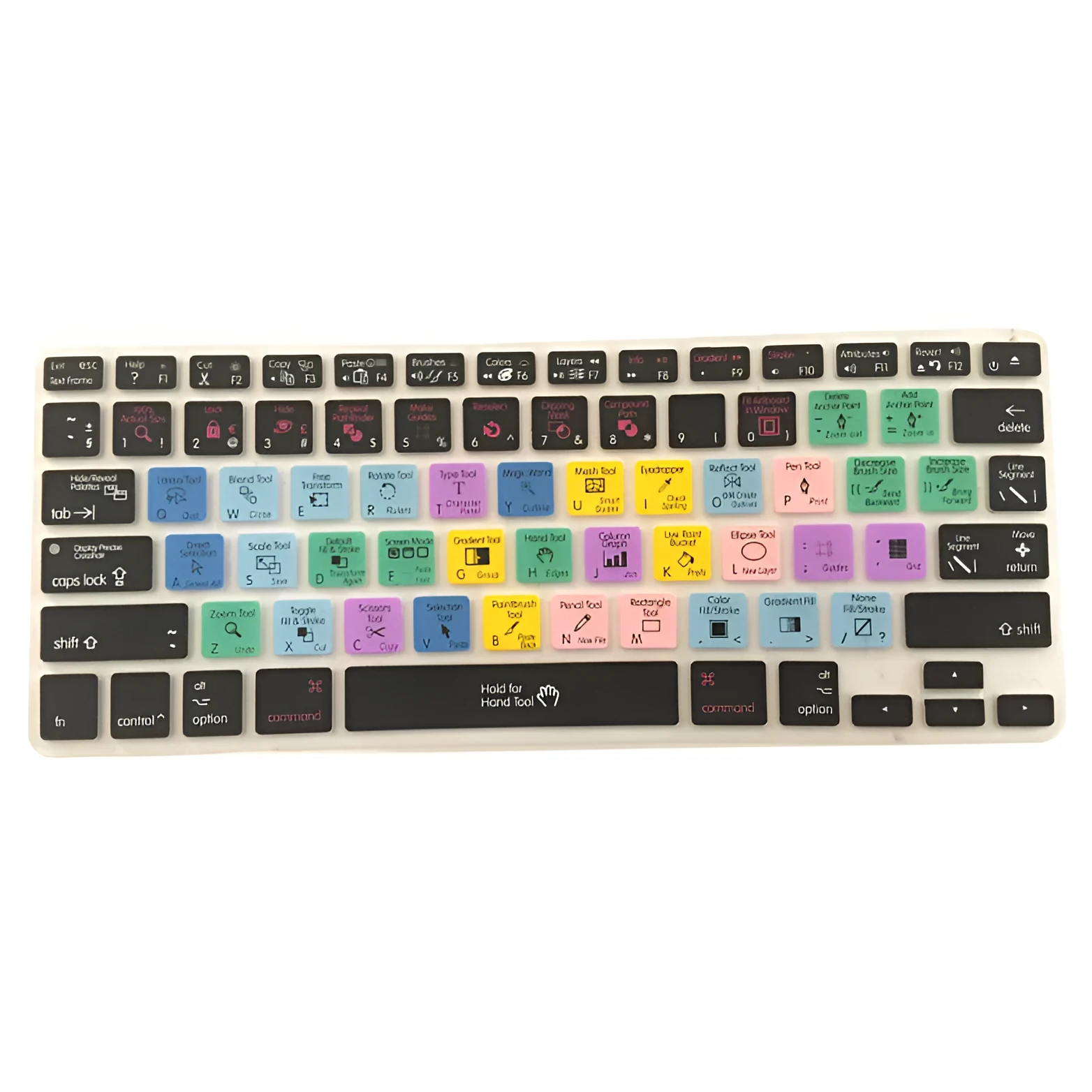
This functional silicone keyboard cover combines two practical needs: protecting your MacBook keyboard from everyday dust, scratches, and spills, and helping you work faster in Adobe Illustrator. The cover has the most common Illustrator shortcuts printed directly on the keys, so you can keep your workflow smooth without constantly checking menus. It fits a wide range of MacBook and iMac keyboards, including 13-inch, 15-inch, and 17-inch models, and is designed to let the backlight shine through so you can see the keys in low light. Made from flexible silicone, it is easy to install and remove, and does not interfere with typing or trackpad operation.
Features and Construction
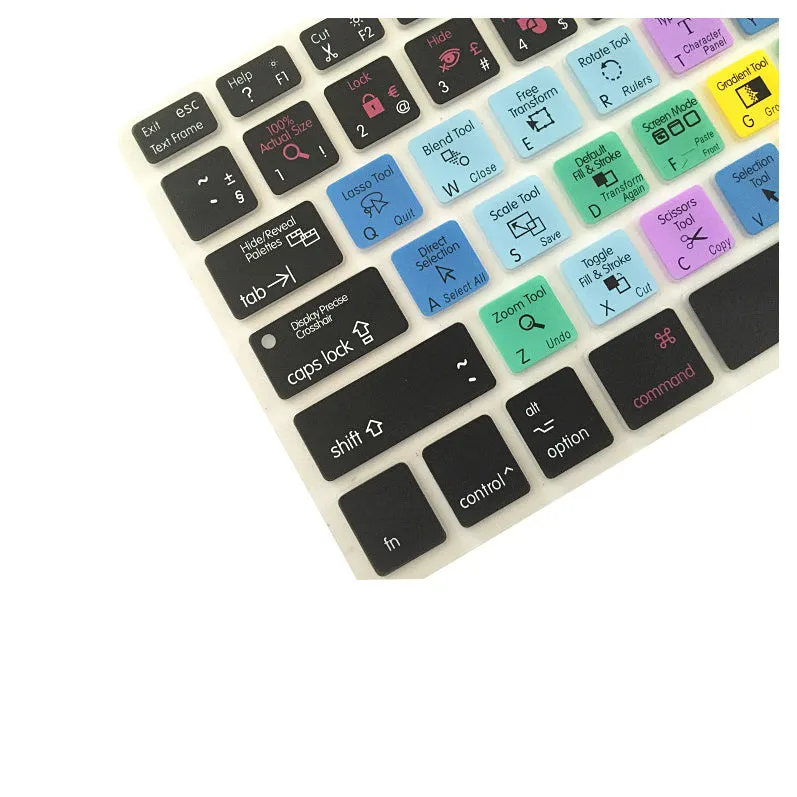
This cover is built for everyday use, combining durability with a slim profile that does not add bulk to your laptop. The key features focus on protection and productivity.
Material and Build
The cover is made from silicone, a material that offers a soft, non-slip texture and protection against liquids, dust, and scratches. At approximately 28.7cm x 11.9cm, it is designed to match the exact footprint of the keyboard area on compatible MacBooks. The thin profile ensures the keys remain fully functional and the backlight is visible along the edges of each keycap.
Size and Practical Fit
This cover is tailored for MacBook Air and Pro models from 13 to 17 inches as well as iMac keyboards. Specific compatible models include MacBook Air A1465/A1370, 13-inch/13-inch Retina/15-inch Retina/17-inch MacBook Pro, and iMac A1314. The pre-printed shortcuts are laid out for the English keyboard and align with the standard key positions.
Uses and Placement
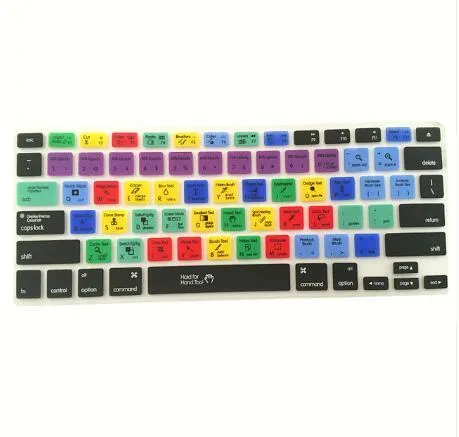
Whether you are editing images, designing layouts, or learning new skills, this cover fits naturally into your workflow. It is suitable for both professional and casual use.
Professional and Creative Use
Graphic designers, photographers, and illustrators using Adobe Illustrator can benefit from having shortcuts visible at all times. The cover speeds up common tasks such as selecting tools, adjusting layers, and applying effects, helping you maintain focus on the creative work rather than navigating menus.
Everyday Home Use
For hobbyists or students learning Illustrator, the printed shortcuts serve as a handy reference. The protective layer also helps keep the keyboard clean from crumbs, dust, and accidental spills during extended study or work sessions.
Benefits and Buying Value
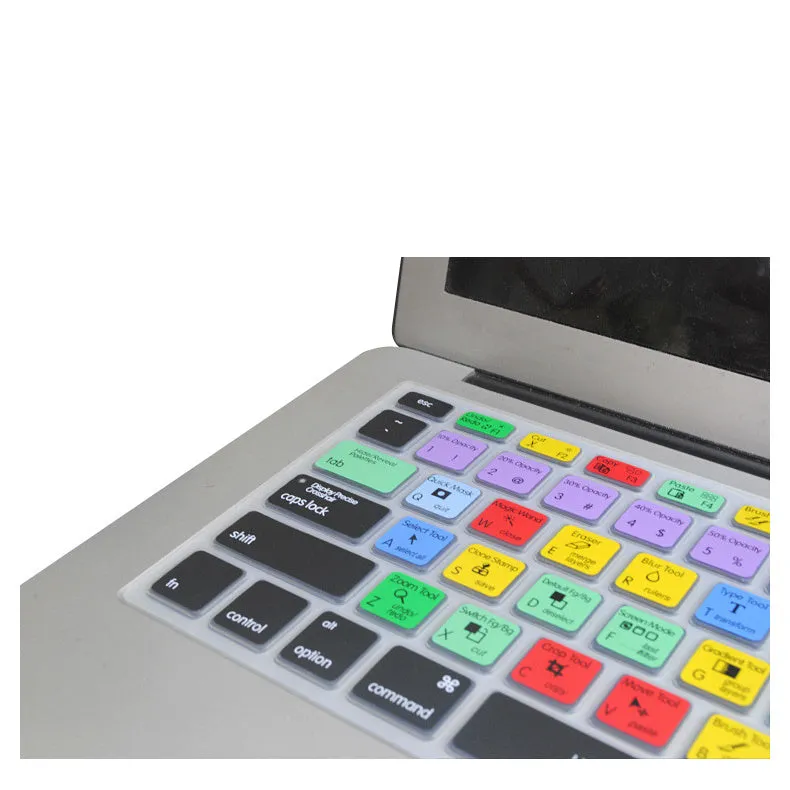
This cover adds practical value by combining protection with a learning aid, all in one inexpensive accessory.
Reuse and Low Maintenance
The silicone material is easy to clean with a damp cloth and can be reused across multiple sessions. It offers long-lasting protection without needing replacement unless the printed text wears off from heavy use.
Why Choose This Product
Instead of buying a plain keyboard cover and a separate shortcut reference, this product merges both functions into one. It is a straightforward way to keep your keyboard in better condition while also improving your Illustrator efficiency, making it a practical choice for regular software users.