Colorful Wireless Charging Mouse Pad with Fingerprint Touch Key Wireless Charging Mouse Pad Wireless Charging Mouse Pad Mouse Pad E-66 Model Black Gray


Colorful Wireless Charging Mouse Pad with Fingerprint Touch Key Wireless Charging Mouse Pad Wireless Charging Mouse Pad Mouse Pad E-66 Model Black Gray
Colorful Wireless Charging Mouse Pad with Fingerprint Touch Key and 1500 mA Charging
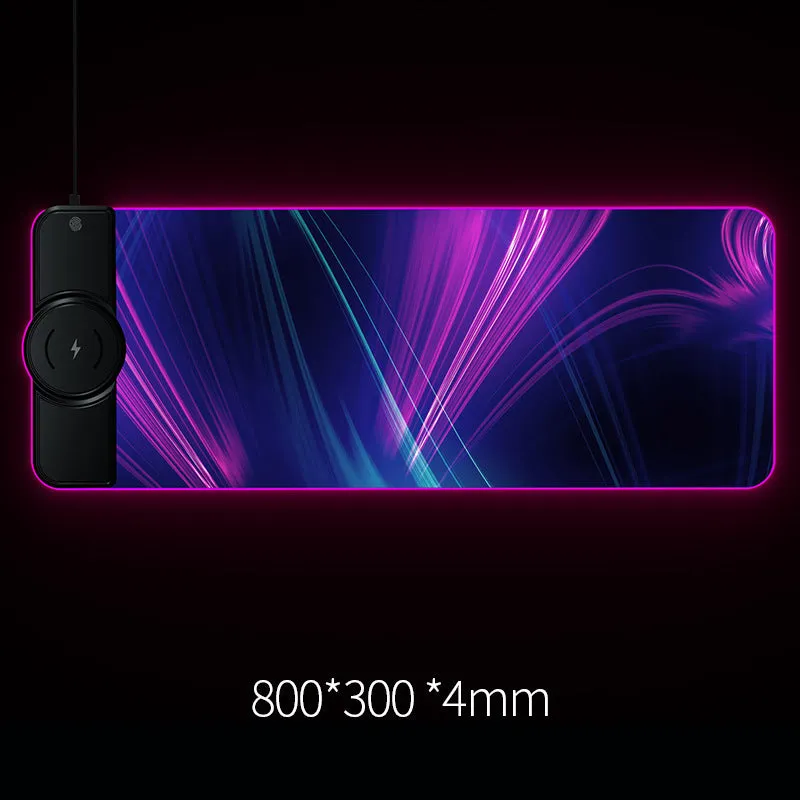
This wireless charging mouse pad combines a practical desk accessory with a built-in charger, helping you reduce cable clutter and keep your workspace organised. With a 1500 mA charging current and an indication function, it is a straightforward solution for powering compatible devices while you work. Available in Black, Colorful, or Gray, this E-66 model suits a range of desk setups.
Features and Construction
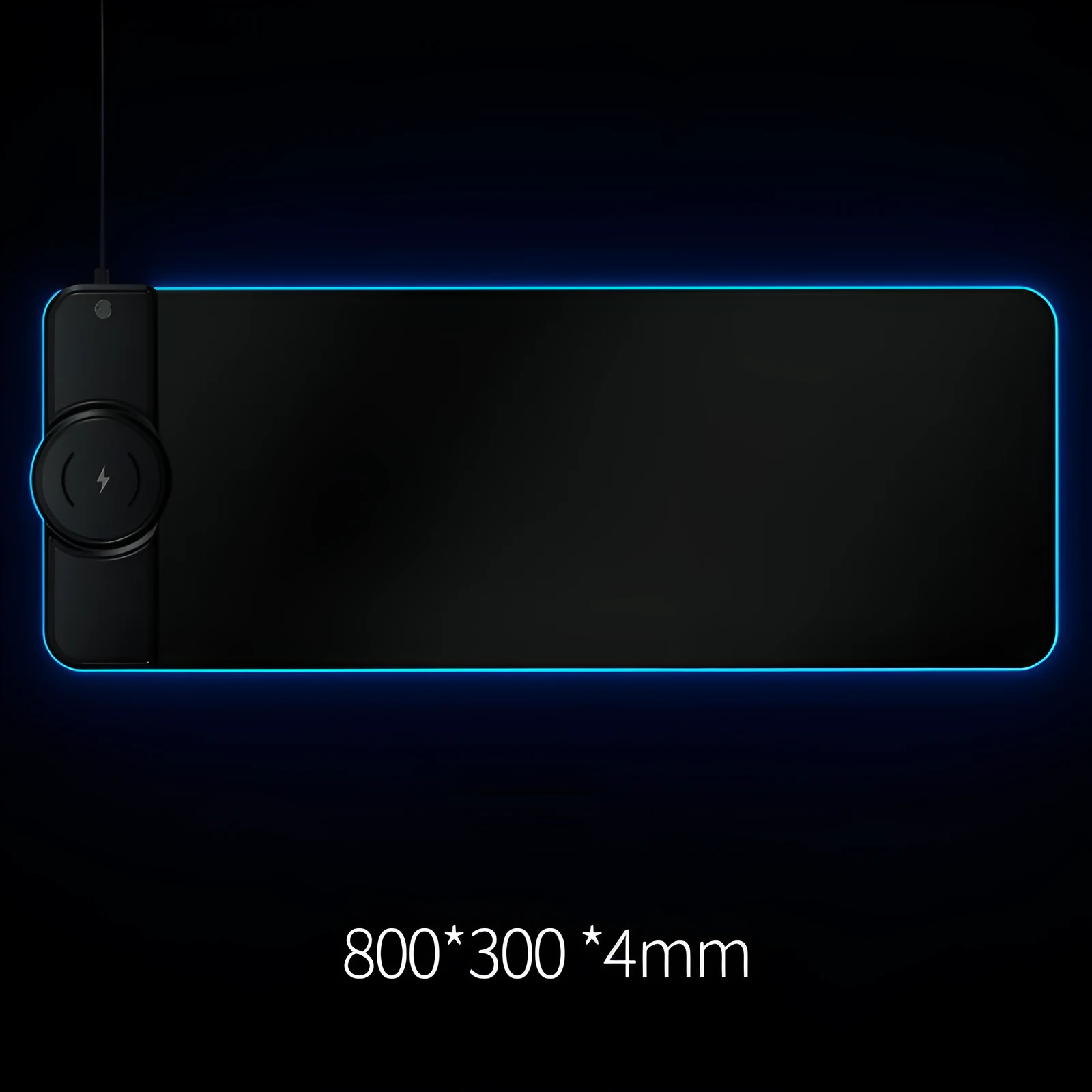
The mouse pad is designed around a single core function: wireless charging. Its construction focuses on simplicity and utility, with a fingerprint touch key adding a layer of control.
Wireless Charging Capability
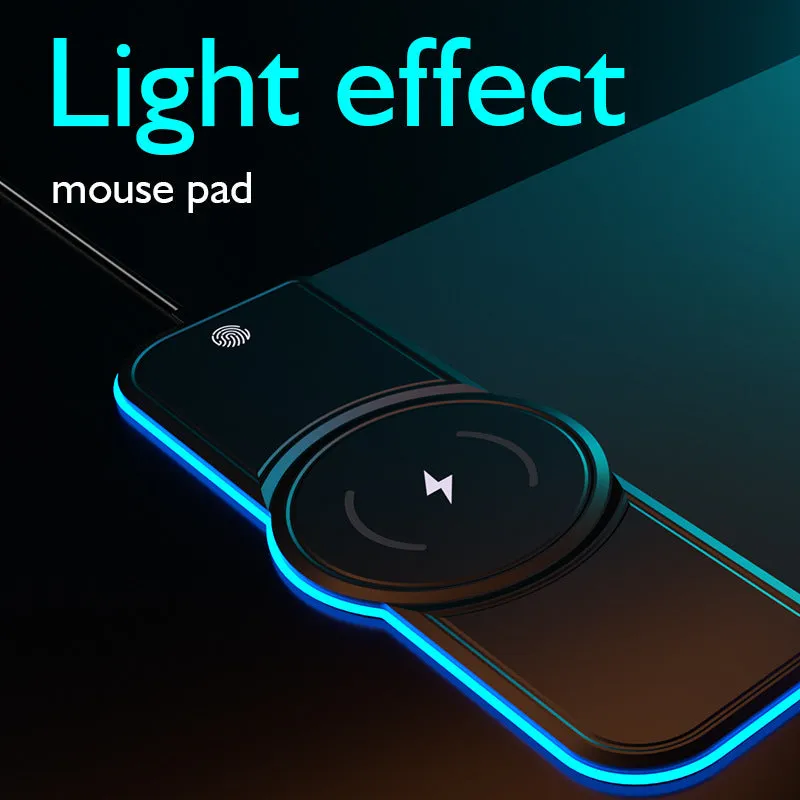
The pad supports a 1500 mA charging current, suitable for many devices that accept wireless charging. An LED indicator provides visual confirmation of charging status, so you know when your device is drawing power.
Fingerprint Touch Key
A fingerprint touch key is integrated into the pad, though specific functions are not detailed in the source. This may allow for quick device pairing or other controls.
Colour and Build
The pad is offered in Black, Colorful, or Gray finishes. Materials are not specified, so we recommend handling it as a standard desktop accessory.
Uses and Placement
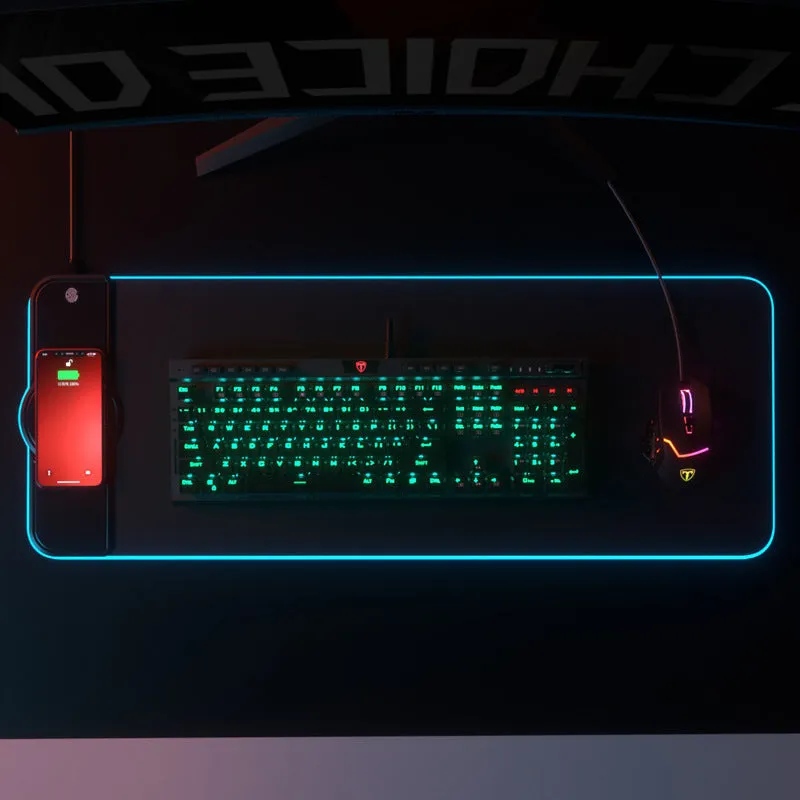
This product is intended for use on a desk or table where wireless charging is needed without extra cables.
Office or Home Desk
Ideal for workstations where you want to charge your phone or other wireless charging devices while using your computer. The pad serves as both a mouse mat and a charging station.
Travel or Portable Use
Compact and self-contained, it can be taken to cafés or co-working spaces, provided you have a USB power source.
Benefits and Buying Value
The main advantage is reducing desk clutter by merging two functions into one product.
Simplified Charging
No need to reach for a separate charger; just place your device on the pad and it starts charging, as indicated by the light.
One Device, Two Uses
Replaces a standard mouse pad and a wireless charger, saving space on your desk. The build quality is not specified, so use it as a convenient accessory rather than a heavy-duty tool.